Save the web-app
iMontBlanc
on your iPhone
in 3 clicks
01
Click on the central icon at the bottom of the screen.

02
Select the item
“add to home screen”

03
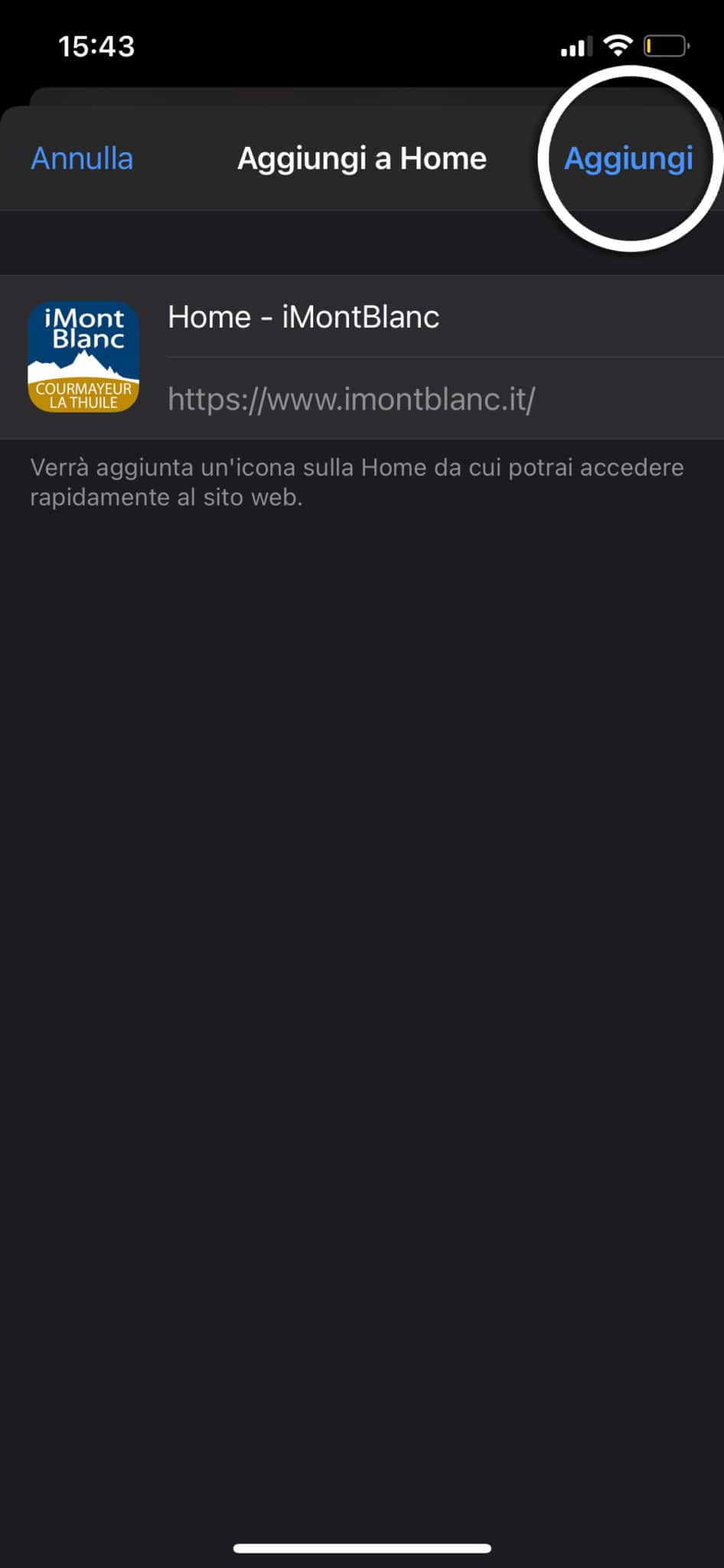
Click on “add”
at the top right
04
The icon will appear
on your iPhone home screen